

Libby is a free app that lets you borrow eBooks, audiobooks, and digital magazines from the library. It’s available to all FDLTCC students, faculty, and staff.
With Libby, you can:
-
Read eBooks and listen to audiobooks on your phone, tablet, or computer
-
Download titles for offline access
-
Send eBooks to your Kindle (U.S. only)
-
Access thousands of popular magazines
Why Use Libby?
-
It’s free, easy to use, and available on multiple devices
-
It's a great way to read on the go or listen during your commute
All you need is your StarID and password to log in — no library card required!

Follow these steps to get started with the Libby app and begin borrowing eBooks, audiobooks, and magazines.
Step 1: Download the Libby App
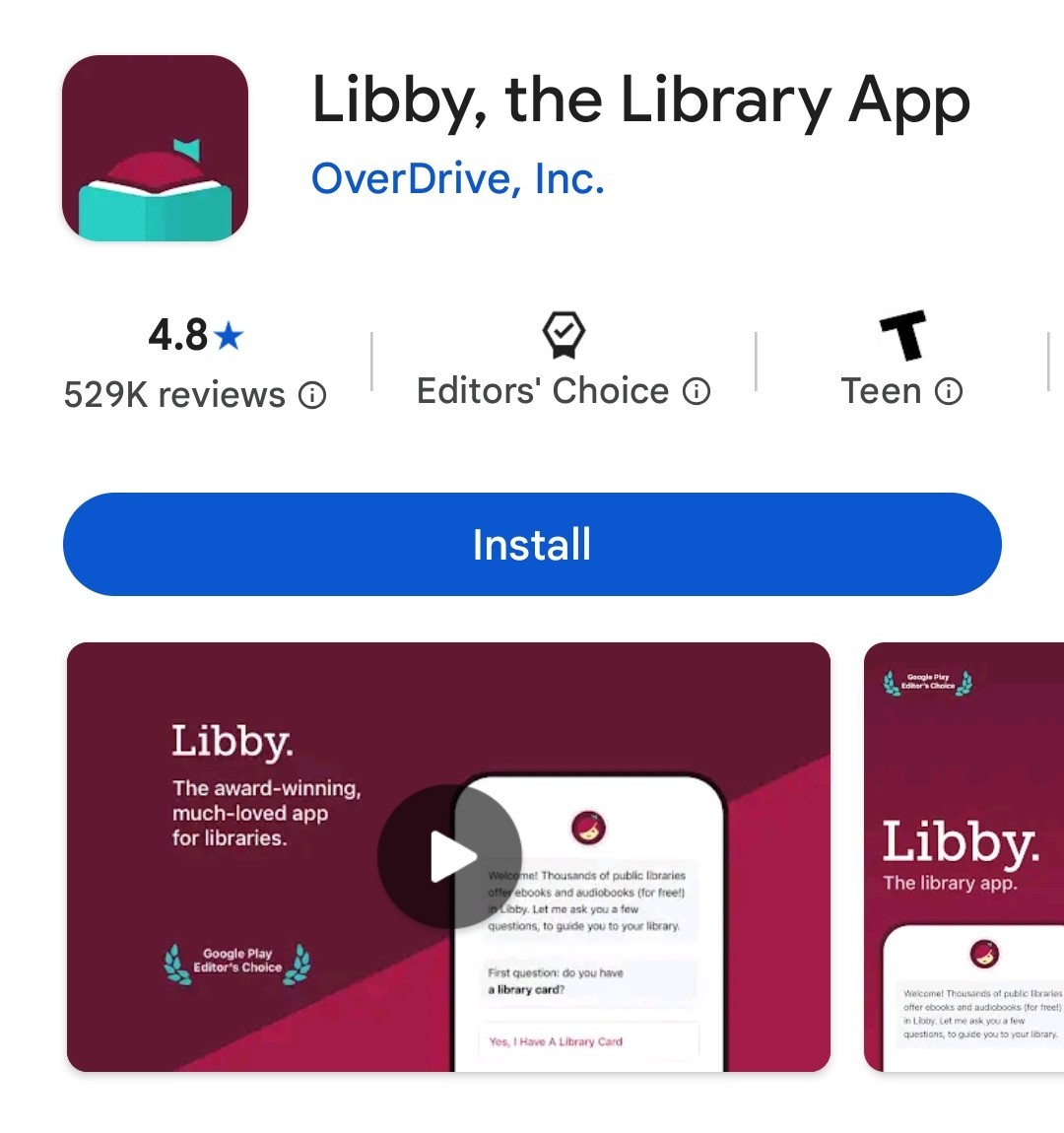
Use the following link to access FDLTCC's Libby site and download the app on your mobile device: Get Libby
Accessing Libby on a computer? Skip to step 2!
Step 2:
Open the App and Find Your Library
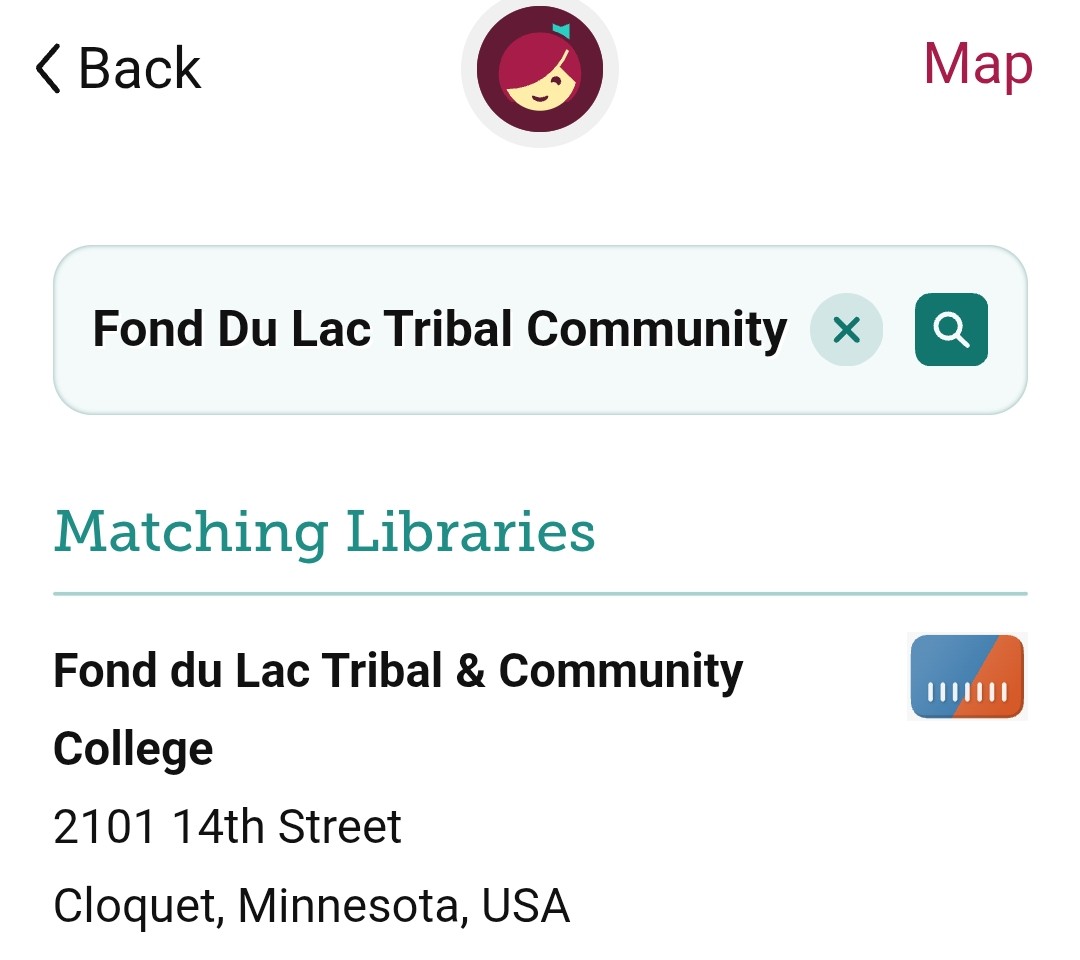
Open the Libby app.
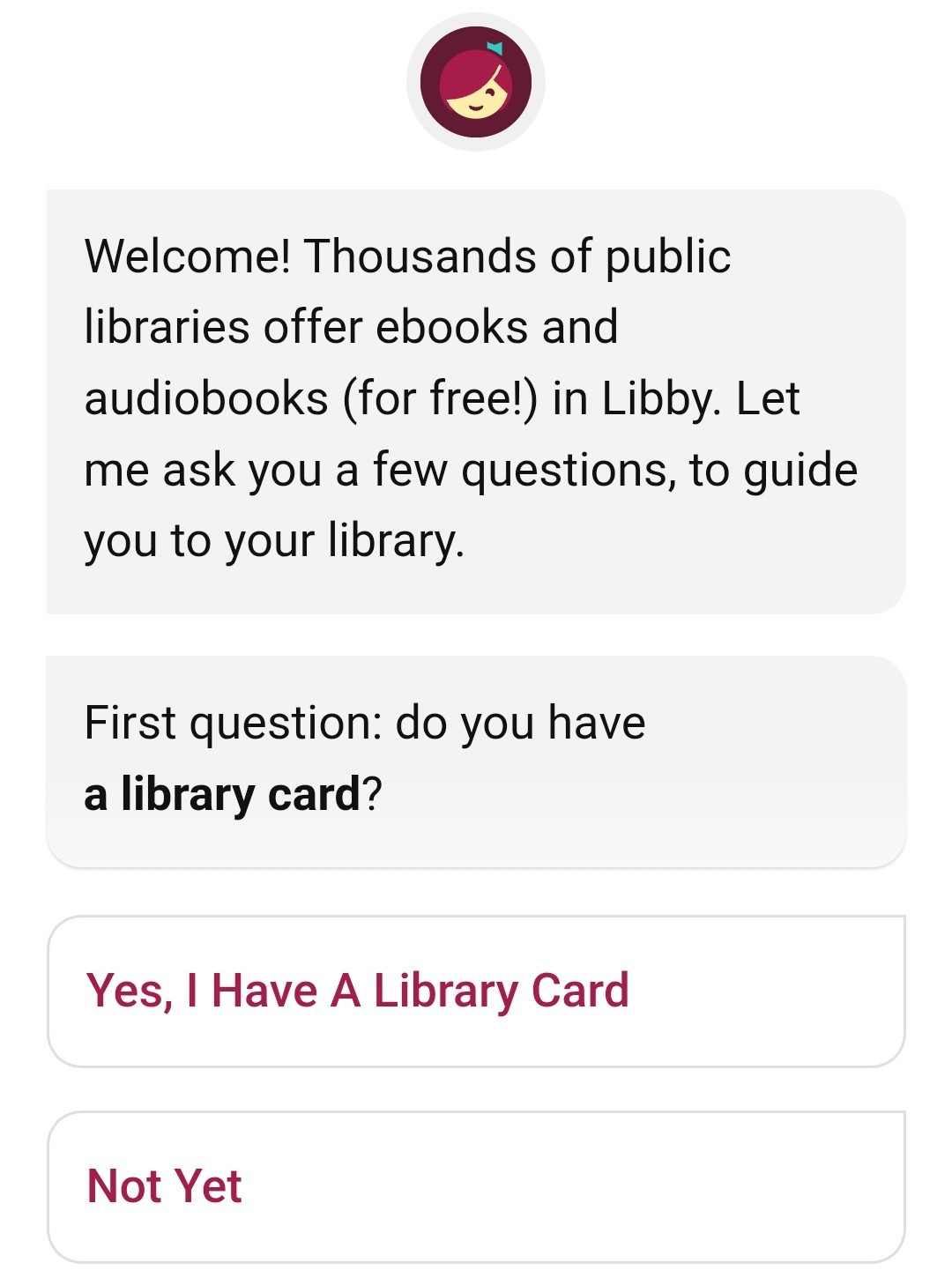
Tap “Yes” when asked if you have a library card.
Then search for and select Fond du Lac Tribal and Community College.
Step 3: Sign In With Your StarID
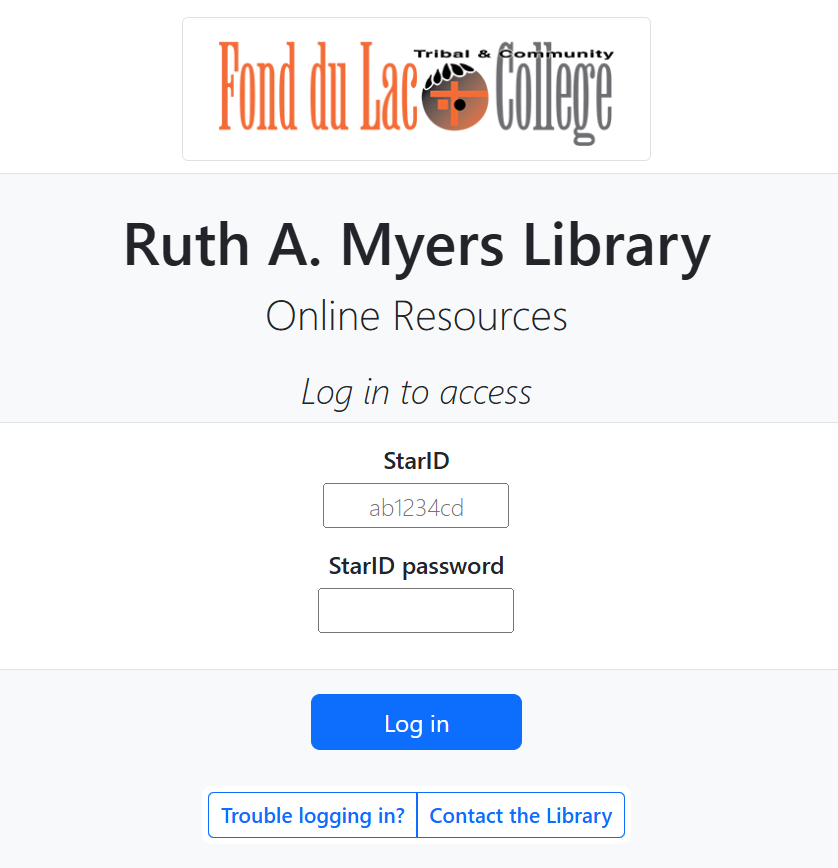
When prompted to sign in, choose sign in with my card.

You will be redirected to a page where you may enter your StarID and password.
Step 4: Start Browsing!
Once you're signed in, you can browse, borrow, and download books right away!
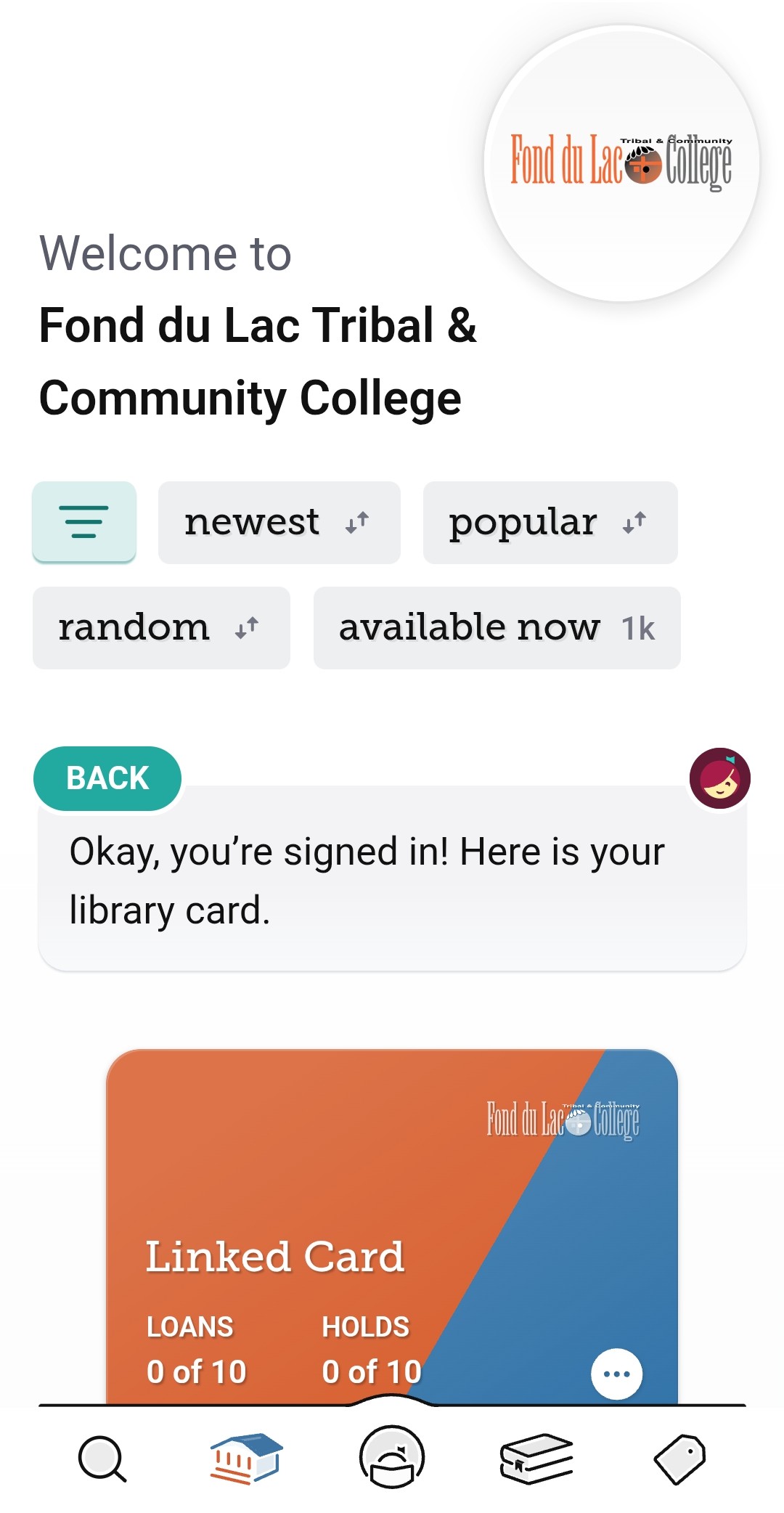
Once your account is set up, you can start borrowing and enjoying eBooks, audiobooks and magazines right away!
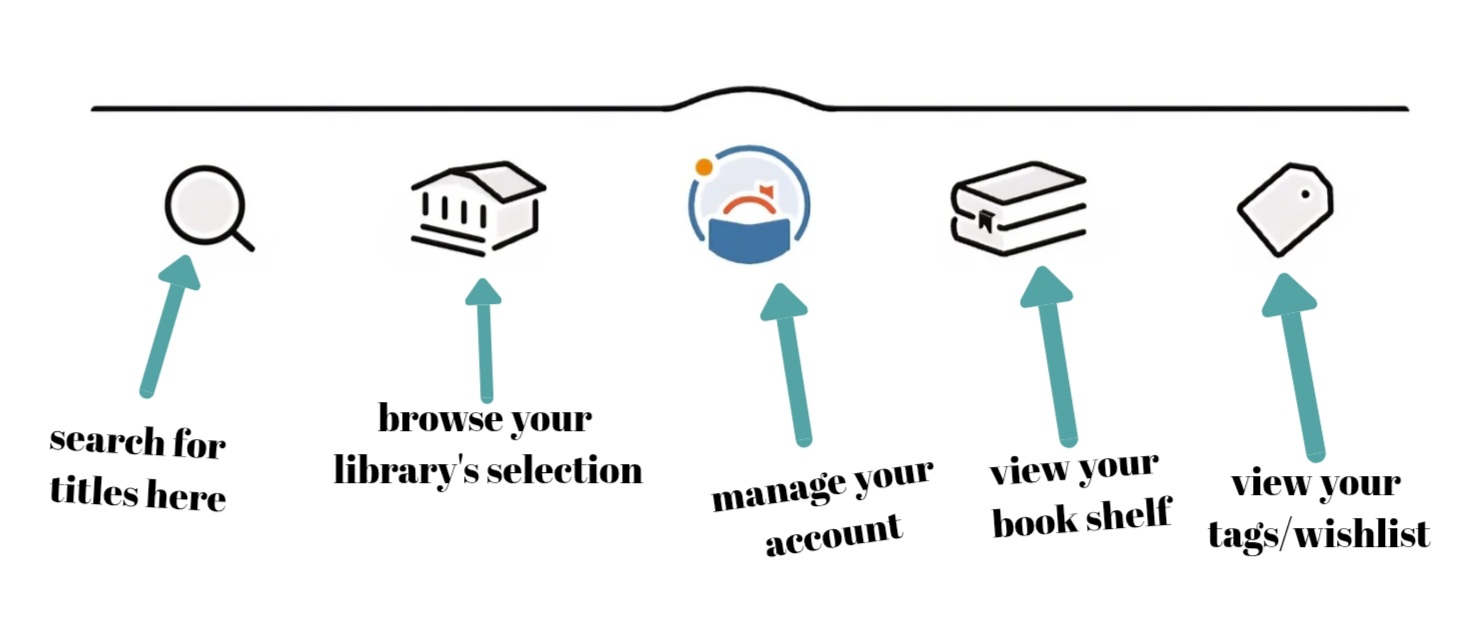
How to Navigate Libby:
How to Borrow a Title:
Use the search bar to find a book, audiobook, or magazine 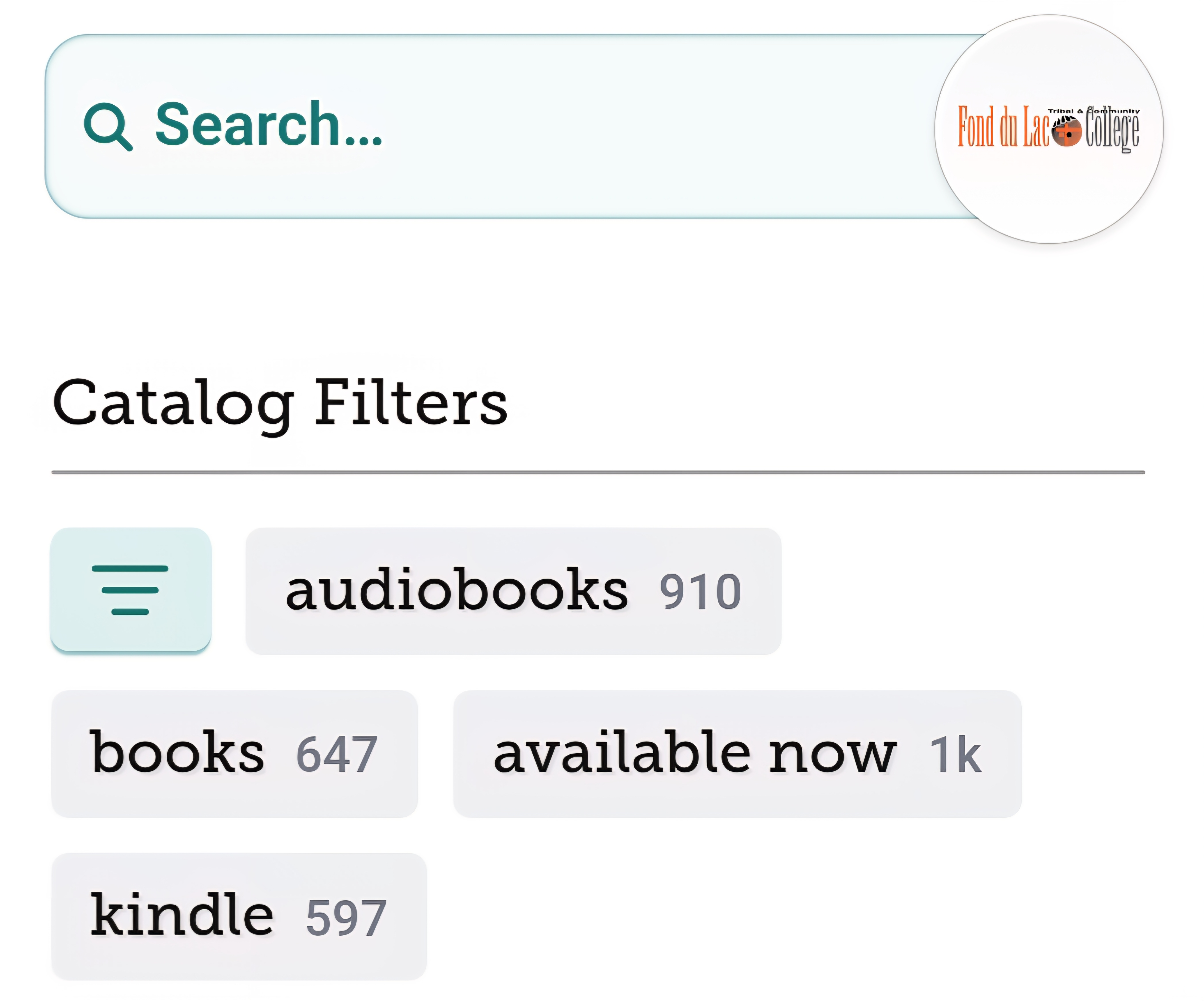 Use the filters to sort or narrow your results by resources type, date, genre, and more.
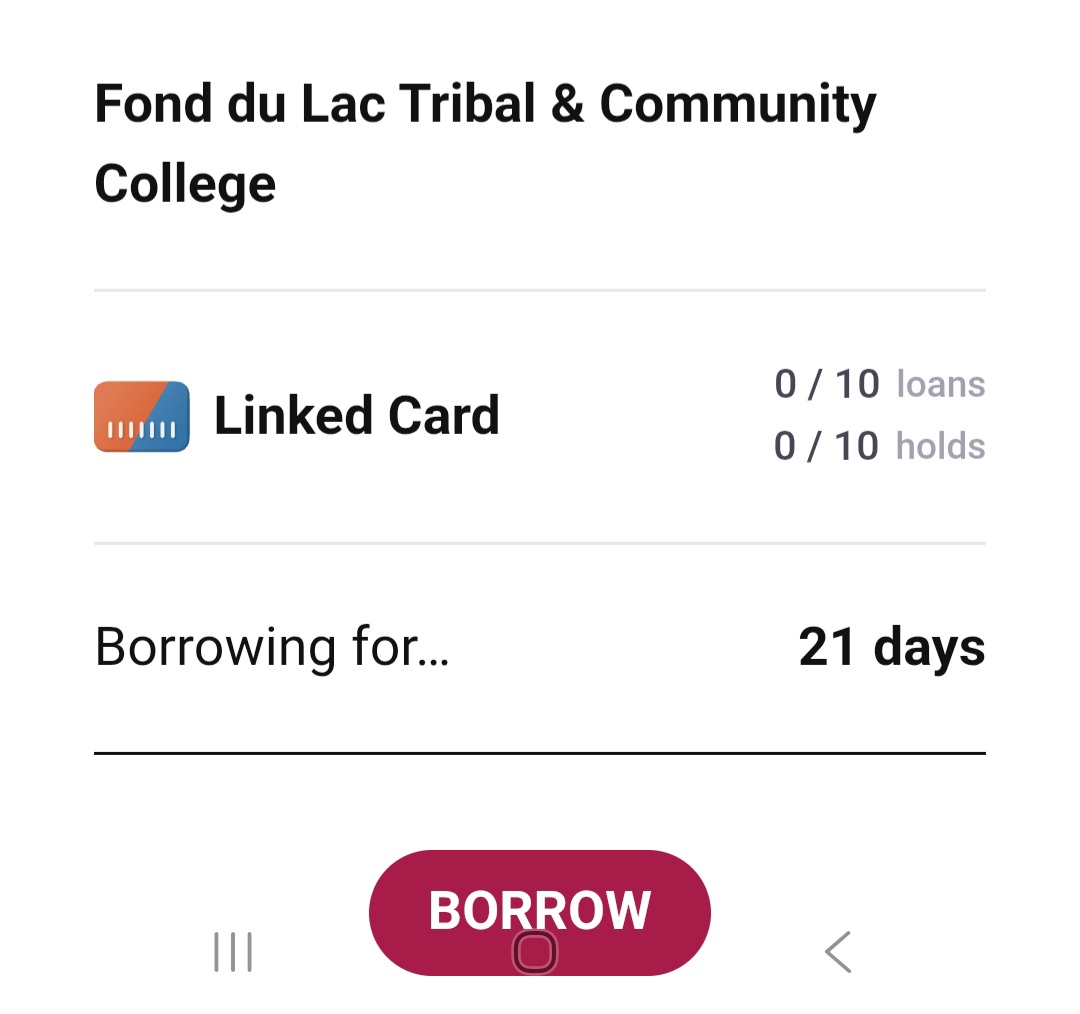
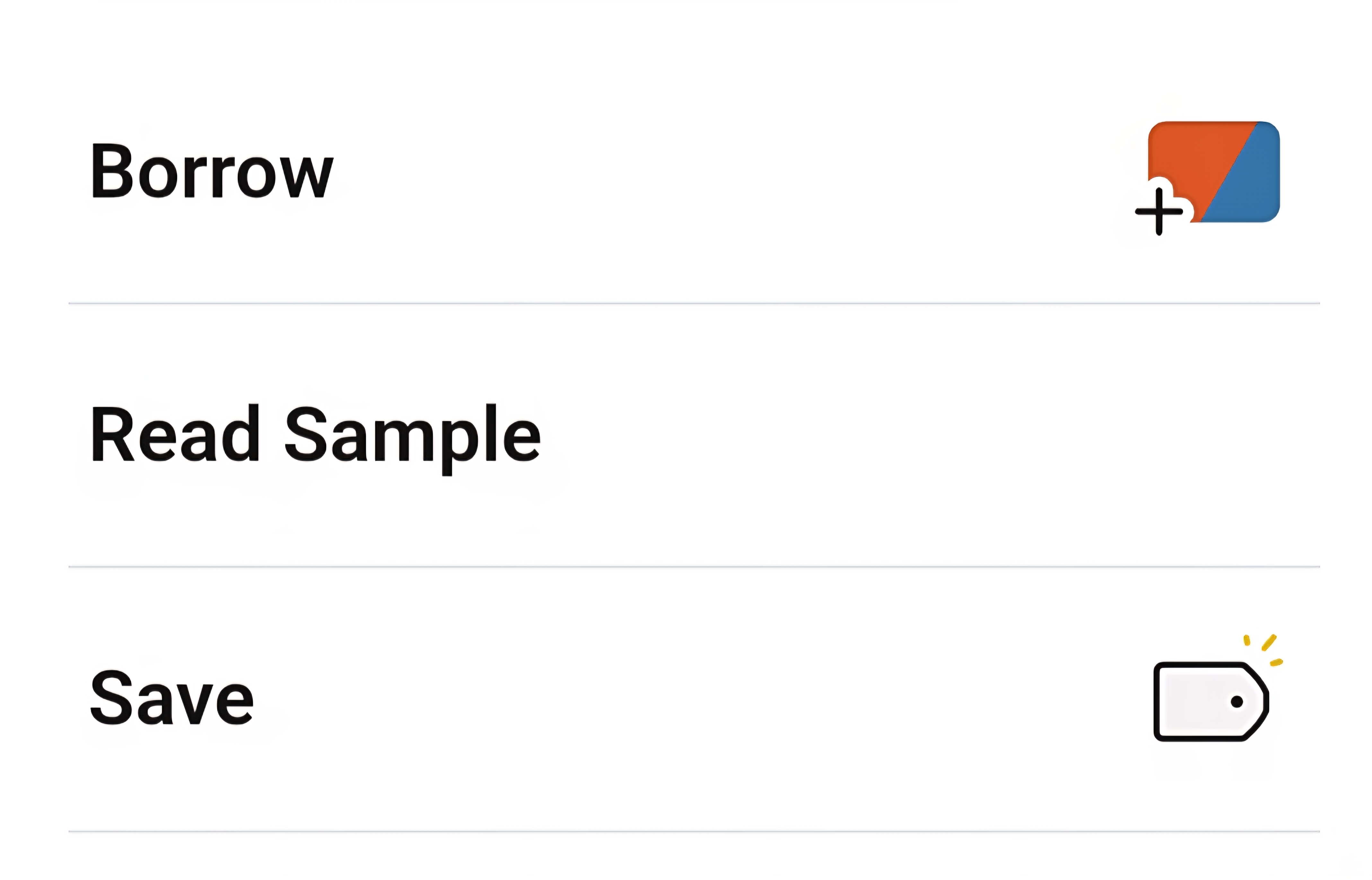
Tap Borrow to check it out.
-
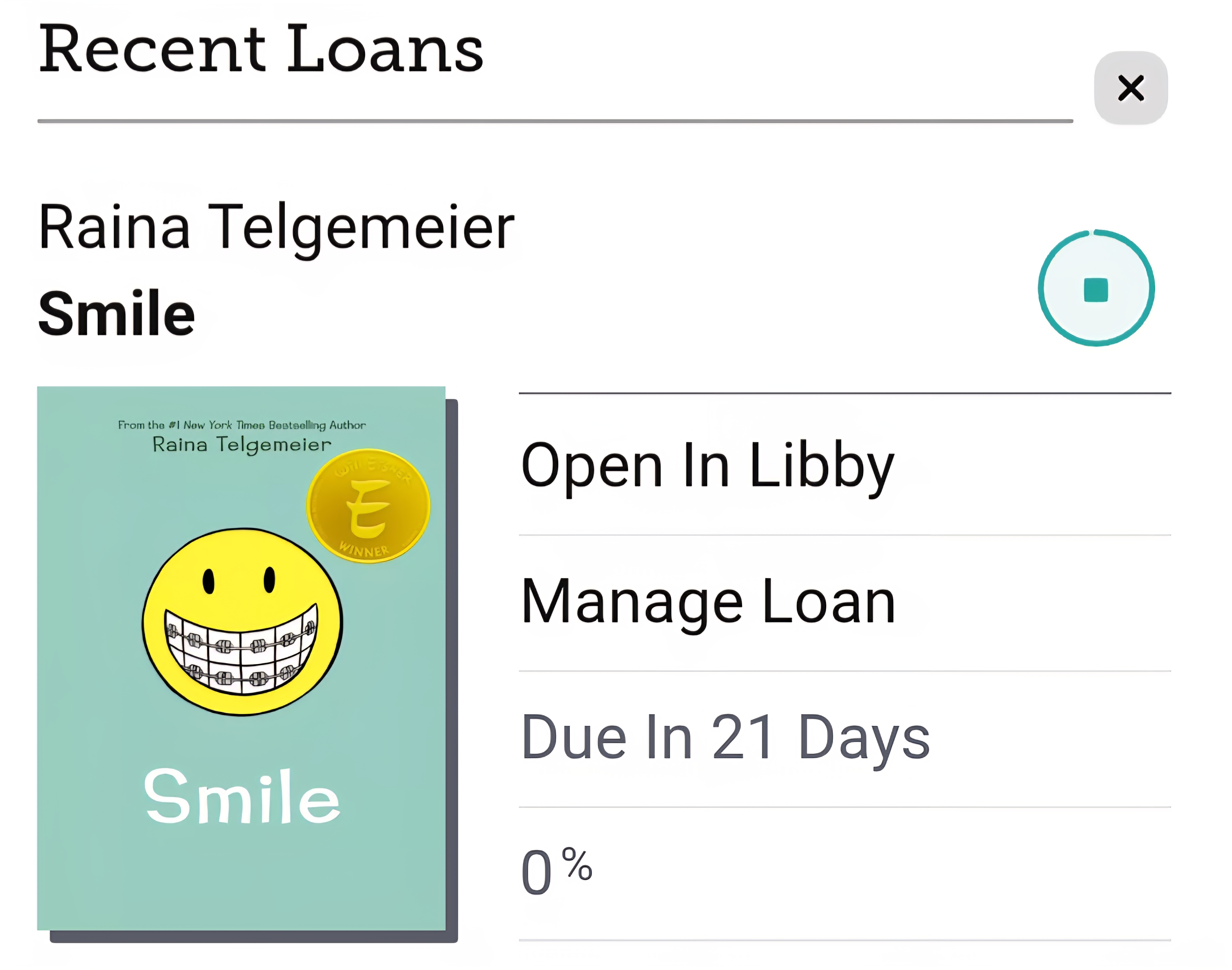
Tap Open in Libby or Open Audiobook to start reading or listening!
How to Place a Hold:
-
If a title is already checked out, tap Place Hold
-
You’ll get a notification when it’s available
Reading & Listening Options:
-
Read in the Libby app or send to your Kindle (U.S. only)
-
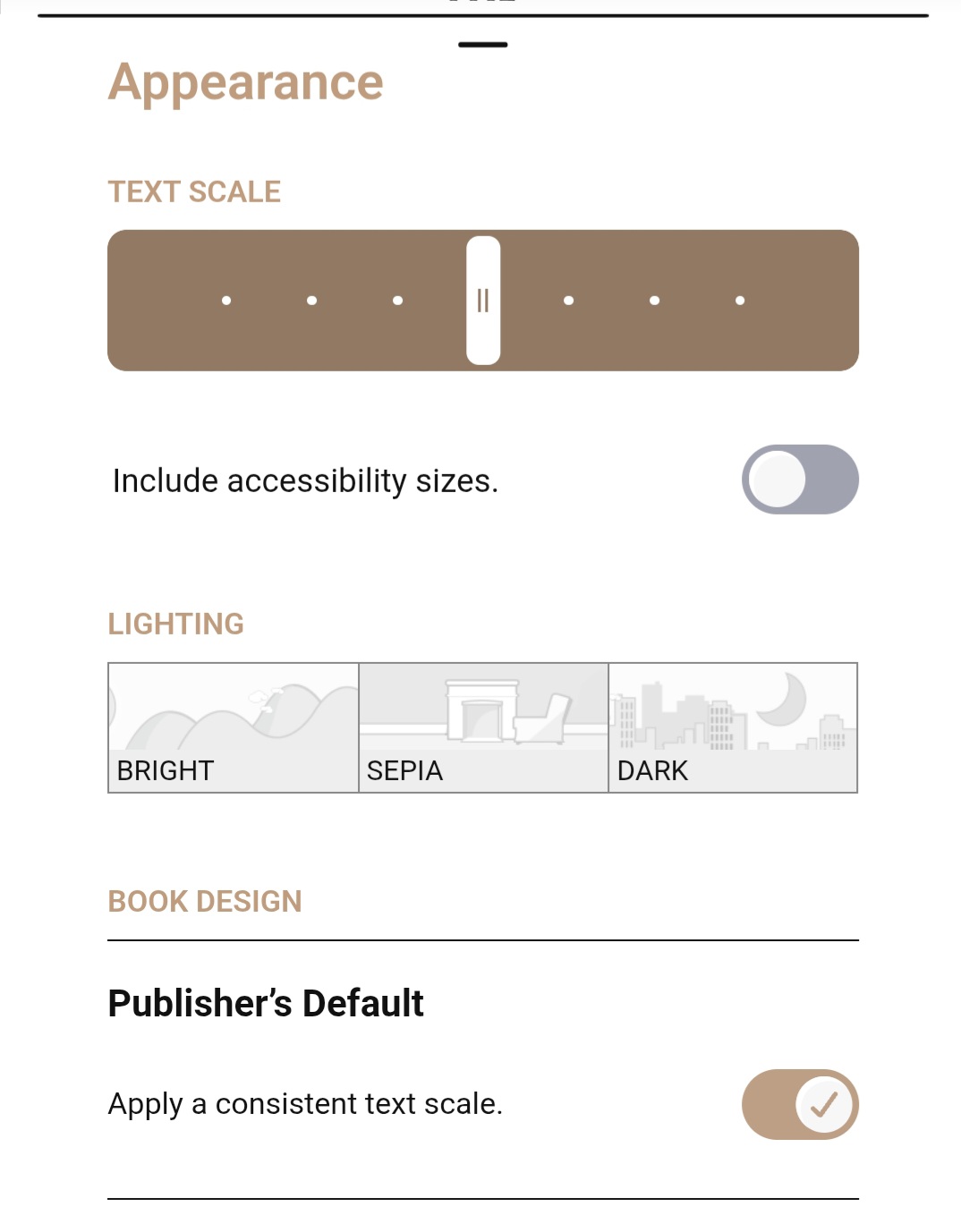
Adjust font size, background color, and playback speed
Libby isn’t just for students — it’s a great resource for faculty, too!
Use Libby to:
- Access professional development books and audiobooks
- Find popular nonfiction titles for your courses
- Recommend titles for your students to read
- Assign an audiobook for students to listen to on the go
Need Help Integrating Libby into Your Course?
Contact the library for help creating your account, finding titles, creating reading lists, or linking to Libby titles in D2L.
Having trouble with Libby? Here are some common issues and how to fix them.
Common Issues:
-
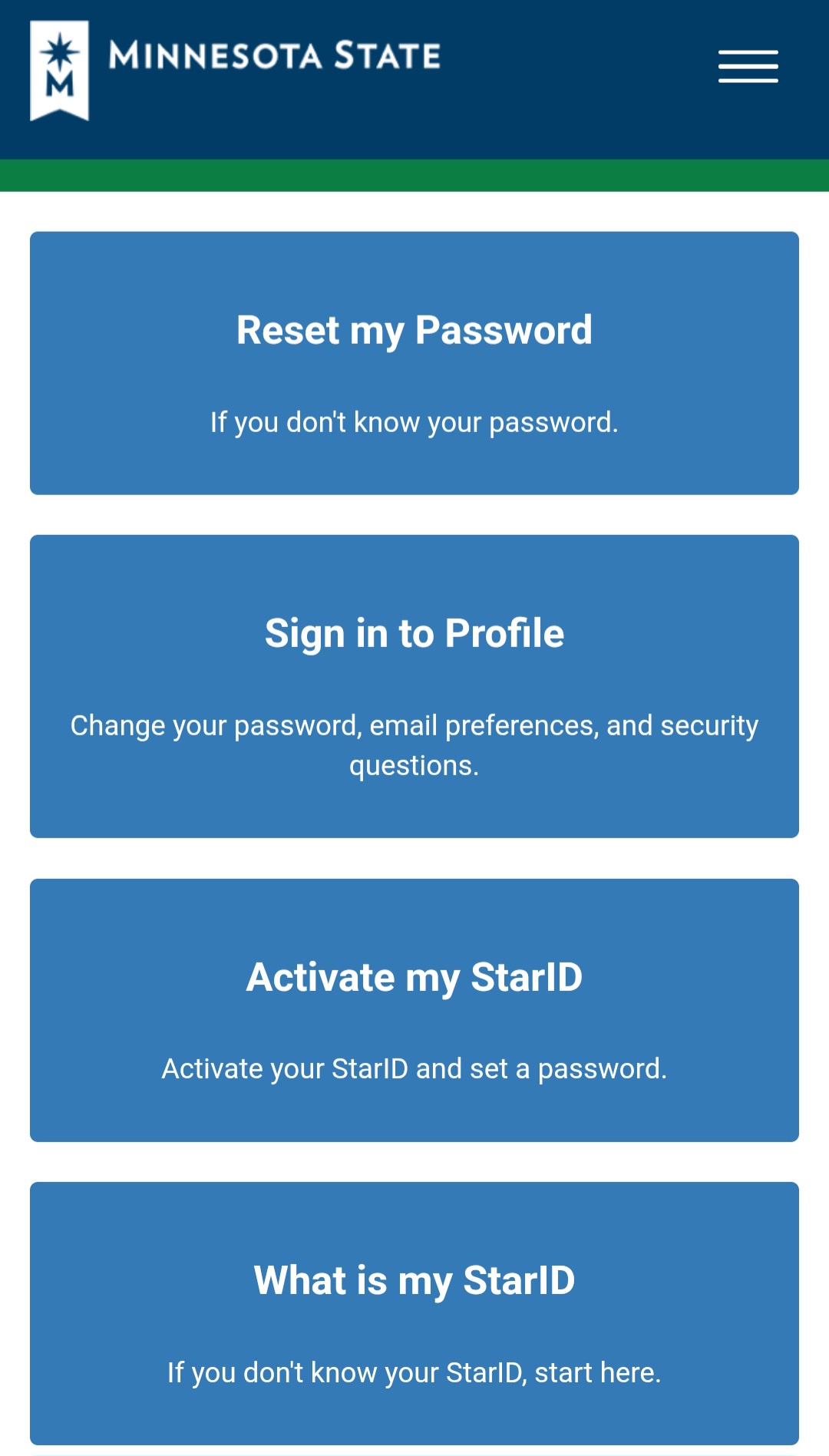
Forgot your StarID or password?
Visit the https://starid.minnstate.edu/ to reset your credentials.
-
Can’t find your library?
Try searching for Fond du Lac Tribal and Community College
-
App not working?
Try restarting the app or reinstalling it from your app store
More Help:
-
https://help.libbyapp.com – Official support and tutorials
-
https://www.overdrive.com/apps/libby/ – Learn more about the app